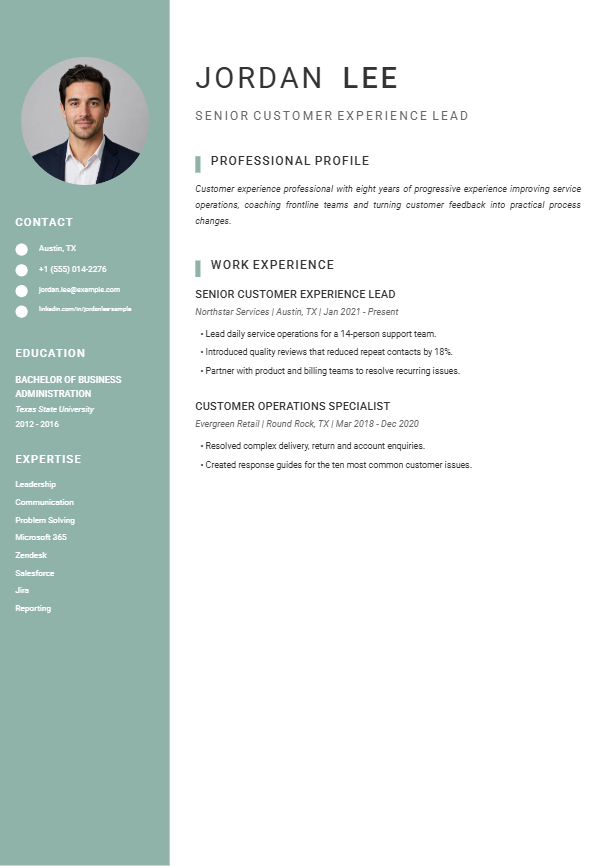
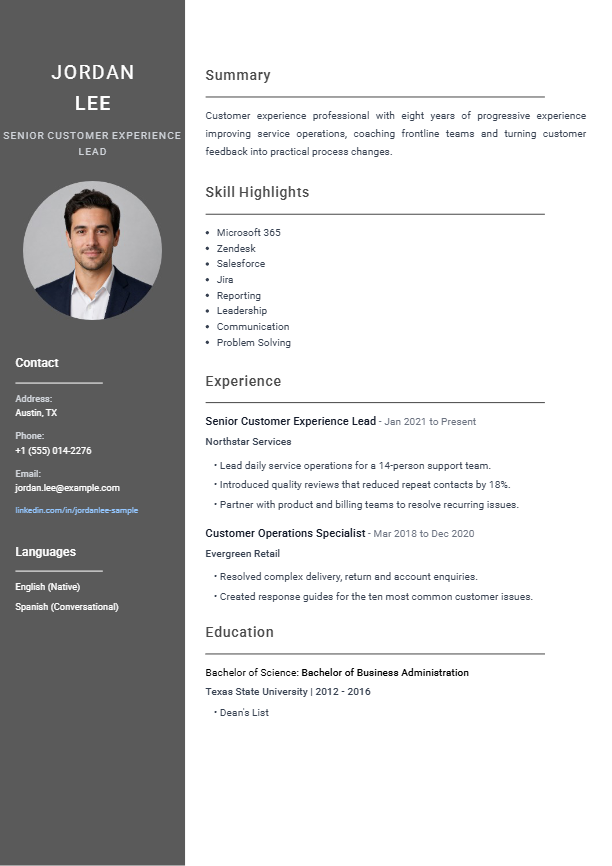
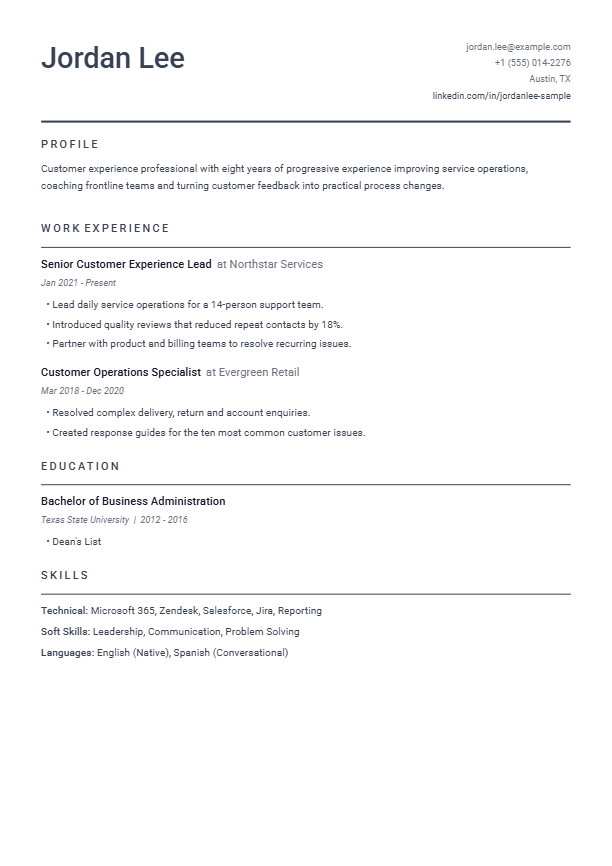
Organized supporting details
Skills, tools and contact information have a dedicated, easy-to-find location.
Free editable template
Preview rendered from the same design used inside the AI resume builder.
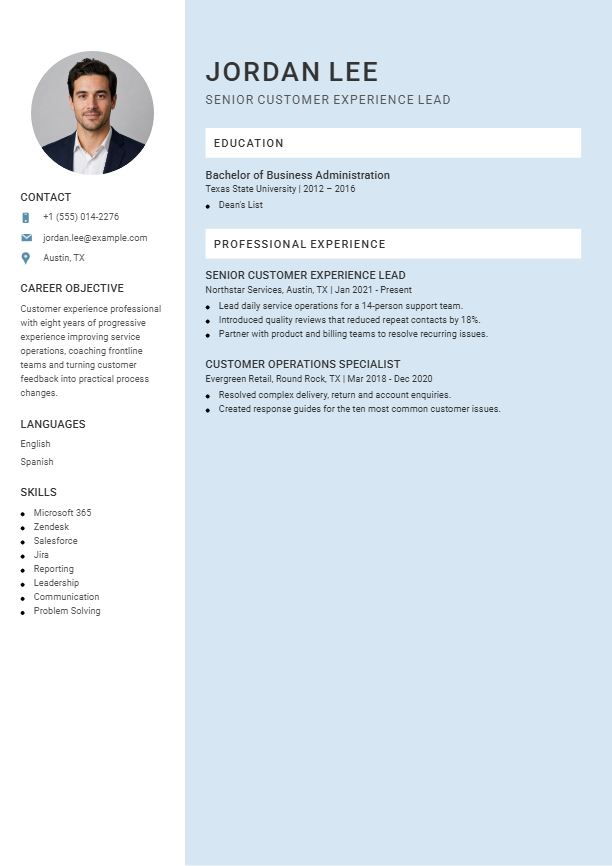
A light two-column layout that organizes contact details and core skills neatly.
Best for: Customer-facing, creative and hybrid roles
Free attribution is editable and may be removed in Word.
About this design
Modern Sidebar separates compact supporting information from the main career narrative. Contact details, skills, tools and languages stay organized in a pale blue column while the wider area carries the summary and employment history. The arrangement gives applicants a more visual presentation without using heavy decoration or reducing the main text to narrow fragments.
Skills, tools and contact information have a dedicated, easy-to-find location.
The wider column preserves readable job descriptions and achievement bullets.
A light sidebar distinguishes sections while maintaining a calm professional appearance.
Application guidance
This is a two-column Word design, so older or strict applicant tracking systems may not read it as predictably as Basic Clean or Classic Professional. Use accurate standard headings and test copied PDF text before submitting through an automated portal.
The DOCX is designed for editing in Microsoft Word. If you open it in Google Docs, Apple Pages or another editor, check page breaks, spacing and bullet alignment before sending it to an employer.
Questions answered
This is a two-column Word design, so older or strict applicant tracking systems may not read it as predictably as Basic Clean or Classic Professional. Use accurate standard headings and test copied PDF text before submitting through an automated portal.
Yes. The Modern Sidebar pack includes an editable Microsoft Word file. Replace every fictional name, employer, date and achievement with accurate information about your own background. Other document editors may change spacing, so compare the result with the included sample PDF.
Yes. Select “Use this design with AI” to open Build My Resume with Modern Sidebar selected. You can review the generated resume before deciding whether to pay for the finished download.
Premium pack