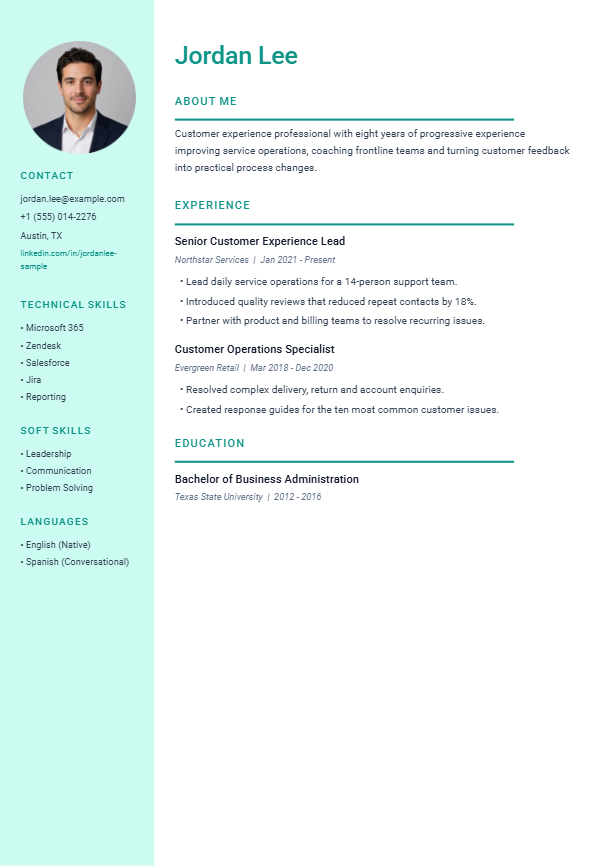
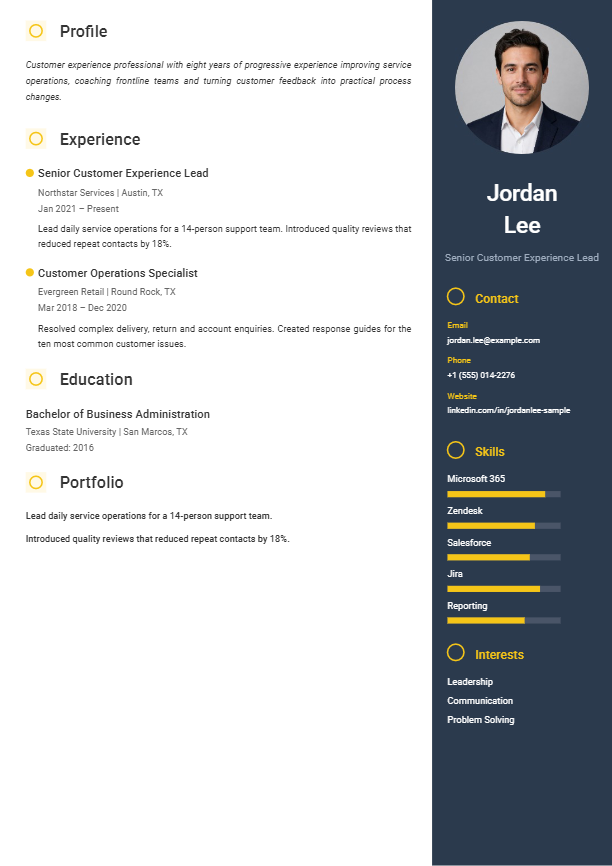
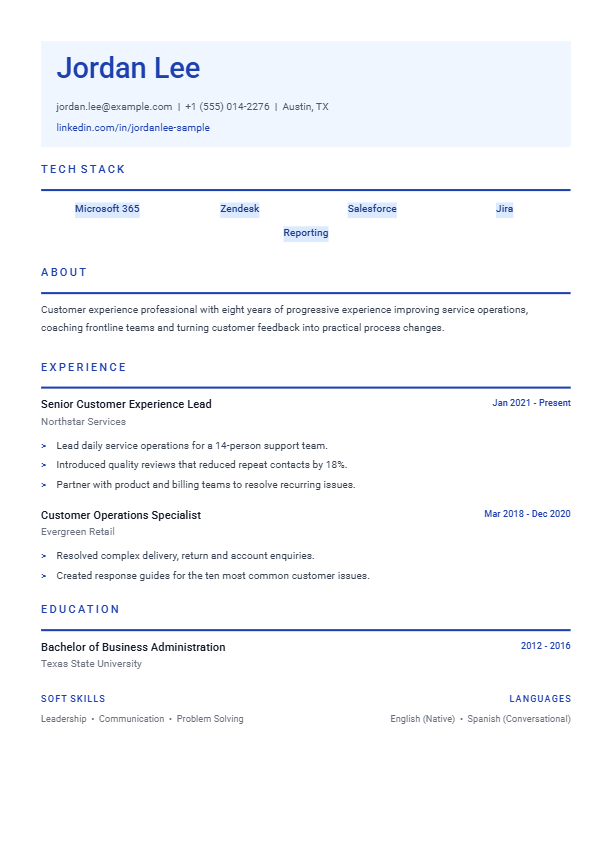
High visual recognition
A strong colour field helps the document stand apart in human-reviewed applications.
Premium template pack · $2.99
Preview rendered from the same design used inside the AI resume builder.
A visual, data-led design with compact skills and achievement sections.
Best for: Portfolio-led and results-heavy applications
Successful purchase includes one non-expiring $2.99 builder credit.
About this design
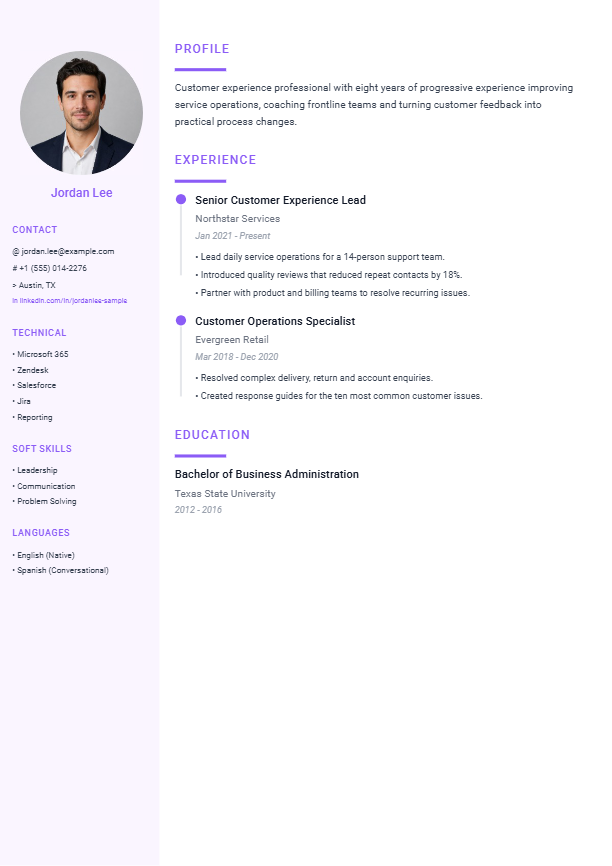
Infographic is the most visibly expressive option in the collection, using a purple sidebar and compact information groupings to create a portfolio-friendly first impression. It works best when the resume is being reviewed by a person and the applicant has strong results, projects or creative work to discuss. The main column remains text-based so achievements can still be stated clearly rather than reduced to unexplained graphics.
A strong colour field helps the document stand apart in human-reviewed applications.
Skills, tools and languages stay grouped away from the employment narrative.
The wider reading area remains available for evidence, scope and measurable outcomes.
Application guidance
Use this visual template when presentation matters and a person is likely to review the file. Complex or older ATS platforms can struggle with two-column layouts, so keep a single-column alternative for strict application portals.
The DOCX is designed for editing in Microsoft Word. If you open it in Google Docs, Apple Pages or another editor, check page breaks, spacing and bullet alignment before sending it to an employer.
Questions answered
Use this visual template when presentation matters and a person is likely to review the file. Complex or older ATS platforms can struggle with two-column layouts, so keep a single-column alternative for strict application portals.
Yes. The Infographic pack includes an editable Microsoft Word file. Replace every fictional name, employer, date and achievement with accurate information about your own background. Other document editors may change spacing, so compare the result with the included sample PDF.
Yes. Select “Use this design with AI” to open Build My Resume with Infographic selected. You can review the generated resume before deciding whether to pay for the finished download.
Premium pack